


Page 14 - Demo
P. 14
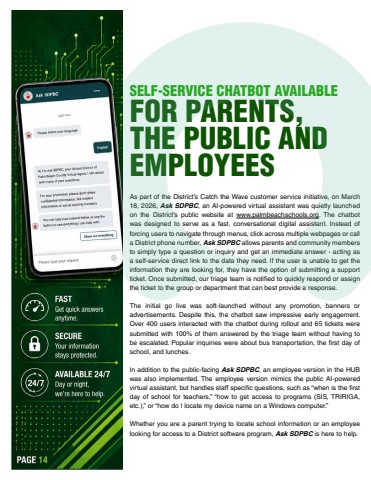
Page 14SELF-SERVICE CHATBOT AVAILABLE FOR PARENTS, THE PUBLIC AND EMPLOYEESAs part of the District%u2019s Catch the Wave customer service initiative, on March 18, 2026, Ask SDPBC, an AI-powered virtual assistant was quietly launched on the District%u2019s public website at www.palmbeachschools.org. The chatbot was designed to serve as a fast, conversational digital assistant. Instead of forcing users to navigate through menus, click across multiple webpages or call a District phone number, Ask SDPBC allows parents and community members to simply type a question or inquiry and get an immediate answer - acting as a self-service direct link to the data they need. If the user is unable to get the information they are looking for, they have the option of submitting a support ticket. Once submitted, our triage team is notified to quickly respond or assign the ticket to the group or department that can best provide a response.The initial go live was soft-launched without any promotion, banners or advertisements. Despite this, the chatbot saw impressive early engagement. Over 400 users interacted with the chatbot during rollout and 65 tickets were submitted with 100% of them answered by the triage team without having to be escalated. Popular inquiries were about bus transportation, the first day of school, and lunches.In addition to the public-facing Ask SDPBC, an employee version in the HUB was also implemented. The employee version mimics the public AI-powered virtual assistant, but handles staff specific questions, such as %u201cwhen is the first day of school for teachers,%u201d %u201chow to get access to programs (SIS, TRIRIGA, etc.),%u201d or %u201chow do I locate my device name on a Windows computer.%u201dWhether you are a parent trying to locate school information or an employee looking for access to a District software program, Ask SDPBC is here to help.


